
A practical guide from Packaging in Time to help you choose better materials, structure, printing, and finishing for custom boxes.
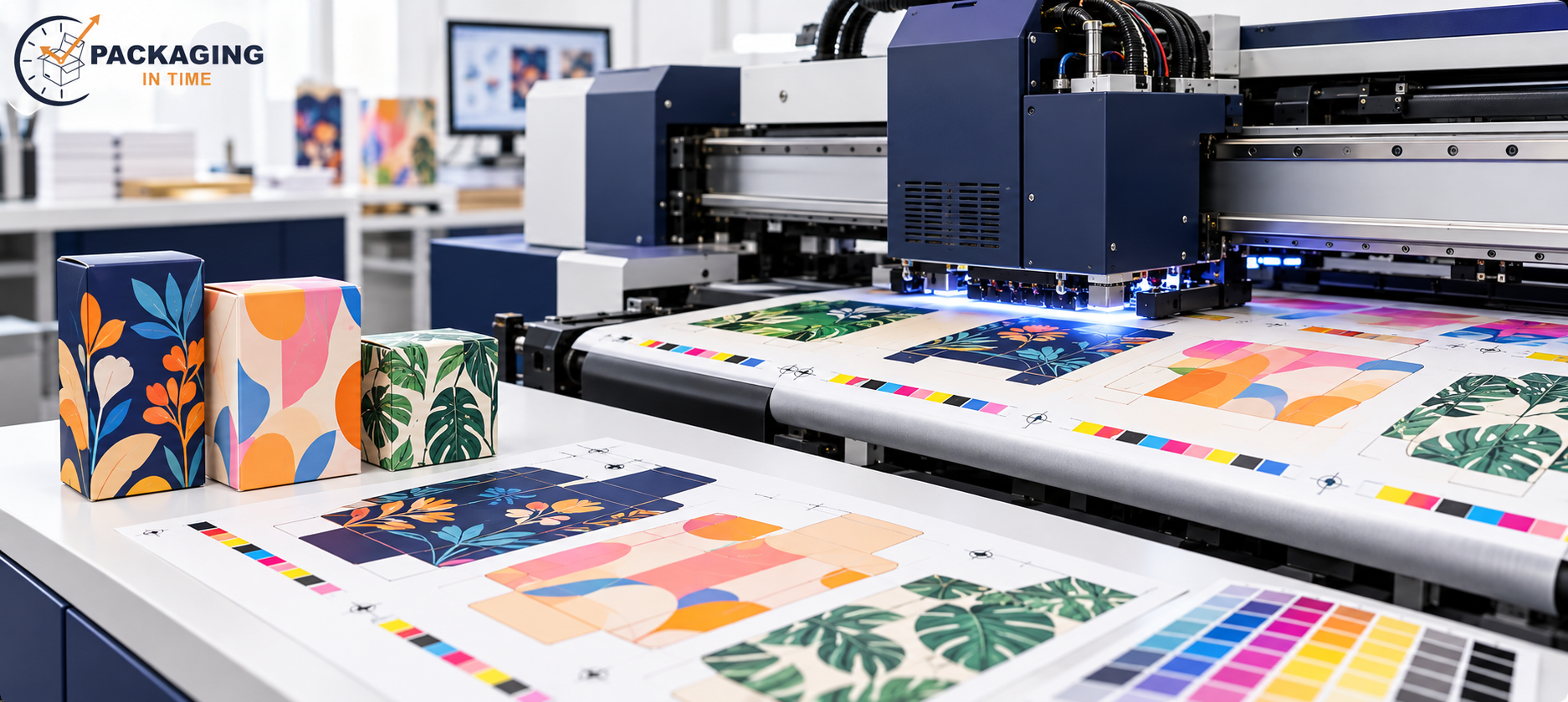
Digital printing for boxes transfers artwork directly to a packaging sheet without conventional printing plates. That setup makes the process useful for short runs, multiple artwork versions, product launches, seasonal packaging, and variable information. The process still needs a defined board, dieline, color target, finish, quantity, and approval path. A quick setup does not remove the need to test the finished box.
A digital press can support a folding carton, sleeve, mailer face, or other printed packaging component, but the printed sheet is only one part of the package. The box still needs to fit the product, close correctly, carry required information, and perform through its intended handling route. This guide explains where digital printing fits, how it compares with offset and flexography, and what buyers should control before production.
What Is Digital Printing for Boxes?
Digital printing applies toner or inkjet ink directly from a digital file to a sheet, liner, or selected packaging substrate. The process does not require conventional plates for each artwork version. That reduces plate setup and makes artwork changes easier to manage between runs, subject to the printer, ink system, board, and finishing equipment.
The printed substrate may be converted into a folding carton, sleeve, mailer, or insert. Direct digital printing and litho-lamination are different methods: litho-lamination mounts a separately printed sheet to corrugated board, while a digital corrugated press can print directly to a compatible liner or board. The supplier should identify the actual press and substrate in the quote.
When Does Digital Printing Make Sense?
Digital printing is useful when the buyer needs a short run, several product versions, variable data, frequent artwork changes, or a proof that closely represents the press process. The project research uses 50 to 500 units as a practical short-run planning range, not a universal limit. Press size, board, coverage, finishing, and quantity still determine the actual price.
A product launch may use digital printing to validate fit, color, demand, and pack-out before a larger offset order. Seasonal graphics can be produced in separate versions without storing one large quantity of obsolete printed cartons. A subscription or promotional program can use variable artwork when each version is controlled and the packaging structure remains consistent.
Digital printing is less suitable when the job needs a very high-volume repeat run, a specialized ink or coating unavailable on the press, or a color standard that the process cannot reproduce consistently on the selected board. A supplier should compare digital with offset or flexography using the complete job specification.
How Does Digital Printing Compare with Offset and Flexography?
Method | Print mechanism | Strong use case | Main control |
Digital | Direct toner or inkjet transfer | Short runs, variable artwork, rapid revisions | Board compatibility, gamut, and finishing |
Offset | Plate, blanket, and sheet transfer | Detailed repeat runs and controlled print references | Plate setup, make-ready, and version cost |
Flexographic | Relief plate transfer | Corrugated packaging and high-volume surfaces | Plate detail, ink spread, and board texture |
Digital printing removes conventional plate setup, but it does not guarantee a lower unit price at every quantity. Offset may become more efficient when the same artwork runs at higher volume. Flexography may be better aligned with corrugated production when the artwork, board, and run length suit the press. The final box layer matters: a consumer-facing carton and an outer shipper may need different print and protection choices.
Which Box Materials and Finishes Work with Digital Print?
The press must accept the selected substrate and surface. SBS and coated paperboard can provide a smooth face for detailed artwork. Kraft and uncoated board absorb ink differently and can change color appearance. Corrugated liners may require a direct-print specification or a separately printed sheet, depending on the desired surface and equipment.
Finishes can include aqueous coating, varnish, matte or gloss lamination, spot UV, foil, embossing, and debossing. The finish can change rub resistance, gloss, fold response, glue adhesion, barcode scanning, and recovery considerations. State the coverage and location on the approved dieline, then test the assembled package.
Attribute | Possible value | Verify |
Substrate | SBS, coated board, kraft, uncoated board, or compatible corrugated face | Print adhesion and color on final material |
Color | CMYK, spot color, white ink, or approved process limit | Proof under a stated viewing condition |
Finish | Aqueous, varnish, laminate, foil, UV, relief | Fold, glue, rub, and scanning check |
Version | One artwork, multiple sizes, or variable data | File naming and approval control |
What Artwork Controls Are Needed for Digital Box Printing?
The digital file should use the approved dieline and identify cut lines, scores, folds, bleed, safe area, glue zones, window openings, and barcode quiet zones. The project guide uses 3 mm minimum bleed and a 5 mm safe zone as planning values, but the supplier's dieline requirements control the final file. Keep critical text and codes away from folds, scores, seams, and finish boundaries.
Digital printing can make version changes easier, but it also makes file-control errors easier to repeat. Assign each file a product code, size, language, quantity, revision, and approval status. Check that an old barcode, net quantity, warning, or flavor name has not remained on a new version.
Color should be described as CMYK, a spot reference, or an approved tolerance. A monitor cannot show the exact appearance of a printed kraft or recycled substrate. A press proof or production sample should be used when the result affects brand recognition, barcode contrast, or a retail approval.
What Are the Main Digital Printing Risks?
Color variation can result from substrate shade, ink limit, press profile, coating, drying, viewing light, and reprint conditions. Fine type or small lines can lose clarity if the artwork is reduced too far or the surface absorbs ink. Heavy solids can show rub or scuffing when the finish and handling route are not matched.
File-version errors can place the wrong code, language, ingredient panel, or quantity on the carton. Substrate incompatibility can cause weak adhesion, setoff, curl, or poor coating response. Conversion risk appears when the printed sheet looks correct but cracks at a score, interferes with glue, or places the artwork upside down after folding.
A digital proof checks content and approximate representation. A structural sample checks size, closure, and fit. A production-representative sample checks the selected board, digital process, finish, and pack-out. Approve each sample for the decision it can actually represent.
Risk | How it appears | Control |
Artwork version | Wrong product code, barcode, or label copy | Controlled filename and signed proof |
Color | Substrate or profile changes printed appearance | Physical color reference on final board |
Surface | Rub, setoff, curl, or poor adhesion | Finish and handling sample |
Conversion | Score cracking, glue conflict, or panel reversal | Assembled box with final artwork |
How Should Buyers Request a Digital Printing Quote?
Provide the box style, internal dimensions, product weight, board, print surfaces, quantity by version, CMYK or spot-color requirements, finish, insert, case pack, destination, and required date. State whether the run is a launch, seasonal version, test quantity, repeat order, or variable-data job.
For a retail-facing printed package, see custom product boxes. When the printed box is also the delivery layer, compare it with custom mailer boxes.
The approval plan should name the digital proof, structural sample, production sample, color reference, and sign-off owner. Recheck the specification when the product, board, artwork version, quantity, finish, or route changes.
Frequently Asked Questions About Digital Box Printing
Is digital printing cheaper for every short run?
Digital printing can reduce plate and setup requirements, but board size, coverage, finishing, quantity, and shipping still control the quote. Compare the complete specification rather than assuming a fixed price threshold.
Can digital printing use variable artwork?
Yes, when the press and workflow support it. Each version needs a controlled file, proof, data check, and approval owner before production.
Does digital printing replace a shipping box?
No. Printing controls the visible surface. Product protection depends on the board, structure, closure, insert, outer shipper, and tested pack-out.